Industry
Health & Lifestyle Tech
What I did
Product Designer
CUPuccino? - nooonoonooo, - WATER TRACKER/
How it works? Who is it for? Why?

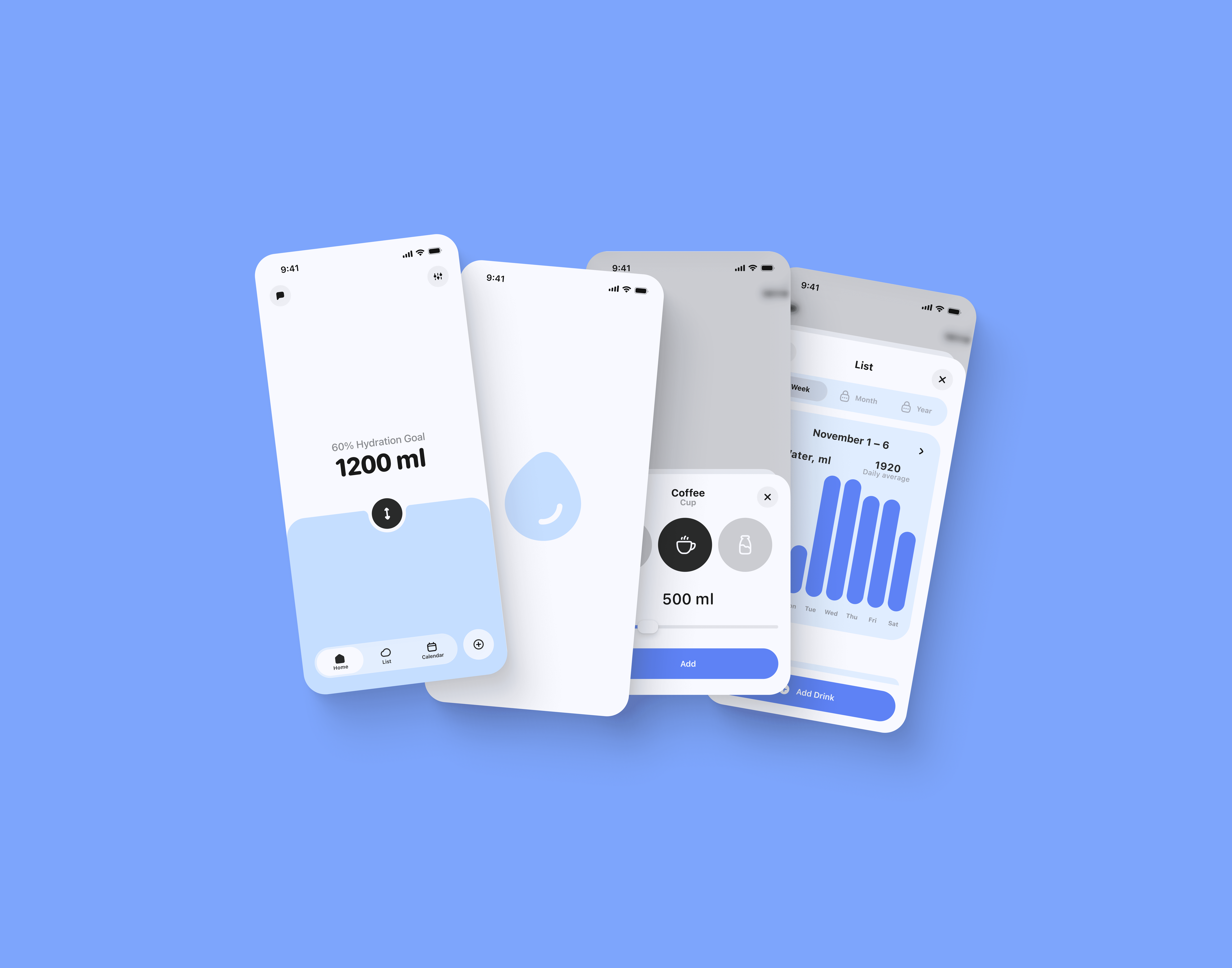
Minimum effort — maximum clarity. The app lets you easily track your daily water intake. Sure, you still need to fill it in — but for those who actually need it (athletes, people with medical recommendations, or anyone curious about their habits) — it takes just a couple of taps. You can view your data by date in the calendar, check basic stats, and see your progress over time.
Research & All that stuff
I already had a pretty clear idea of what I wanted to build — I just needed to test a few hypotheses during user interviews to better understand the nature of such an app. And, of course, to answer the main question: WHO are those people actually using water trackers? My small Telegram channel helped a lot — I talked both inside and outside the community with people who were into the topic (and some who totally weren’t).

So yeah, a few of my assumptions got confirmed: - Most people have no idea how much water they drink — or how much they actually need - Athletes taking creatine tend to monitor their water balance - People with kidney issues also track their hydration - If there’s no real need — people just don’t use water tracking apps
The Core of the Architecture
After gathering all the necessary data, I started thinking about how, already at this stage (USER FLOW), I could make the app simple for those who have a direct need and interesting for those who don’t.
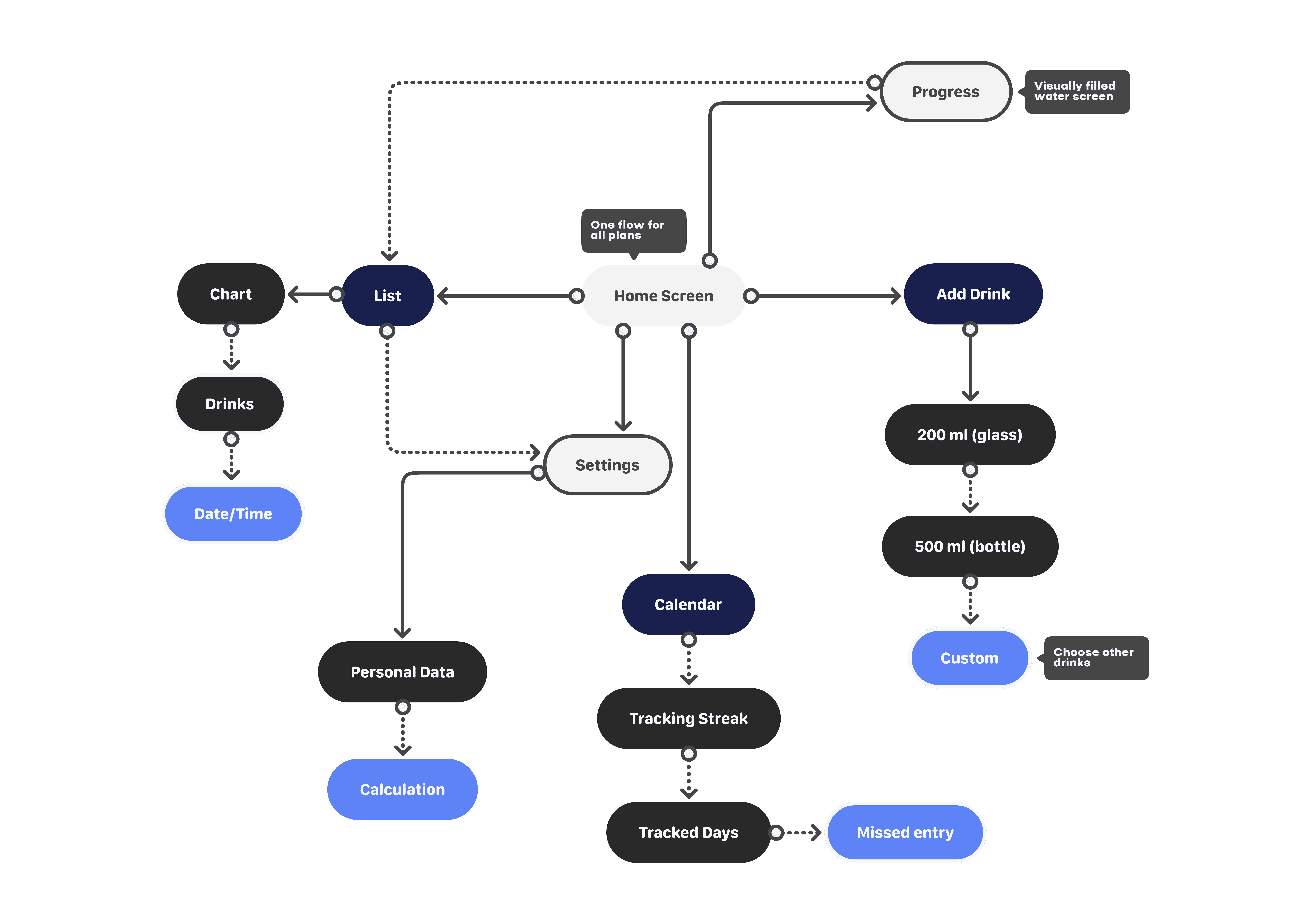
Hybrid SaaS + SaaP
For a product like – TRACKER, the business still needs to make money, and having a basic understanding of the two types of people (completely opposite) who might use the app – undoubtedly, the work started from the point where clear user scenarios with/without subscription were outlined (in particular, it was essential to include the option to purchase lifetime access).
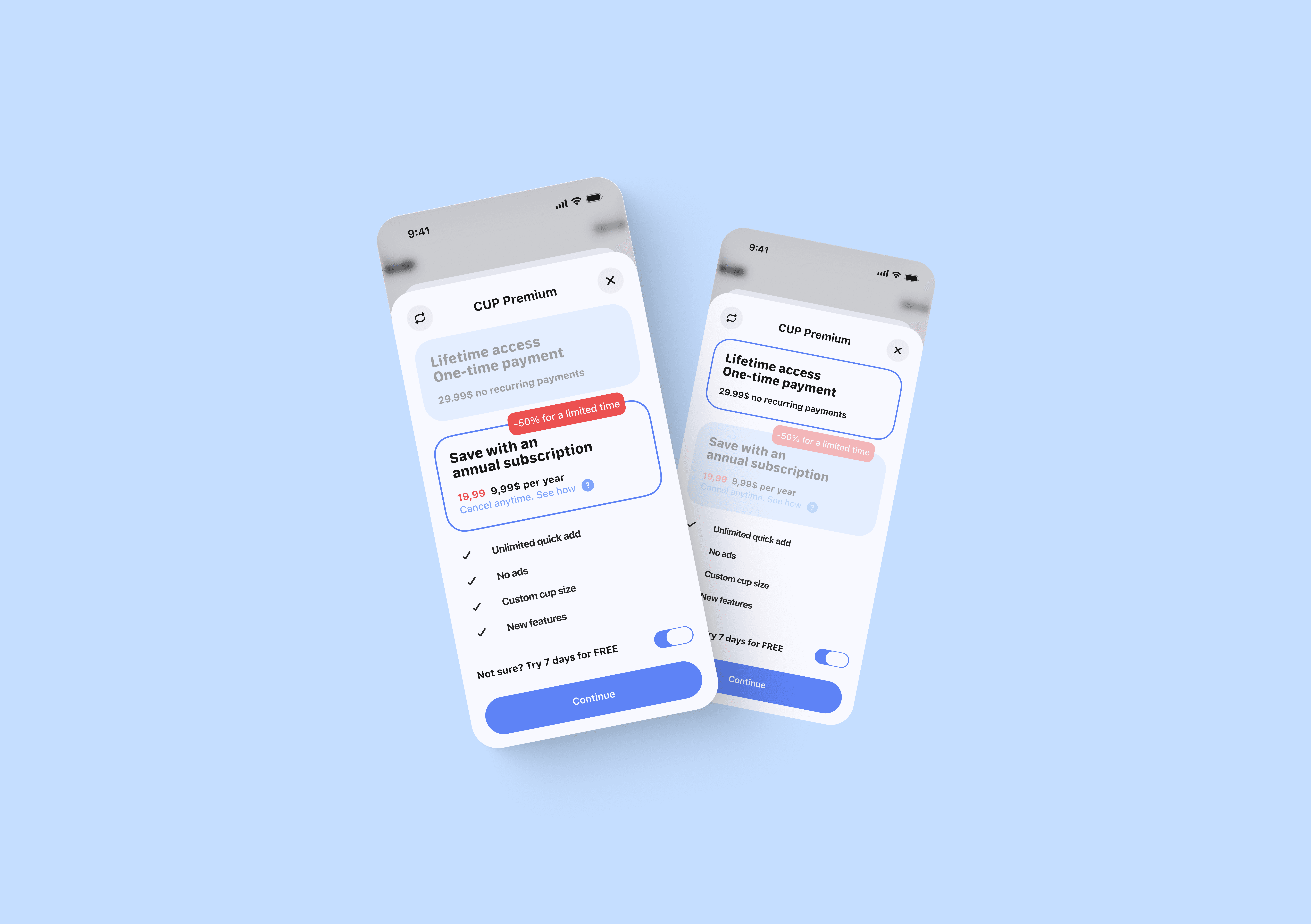
Lots of Free Features
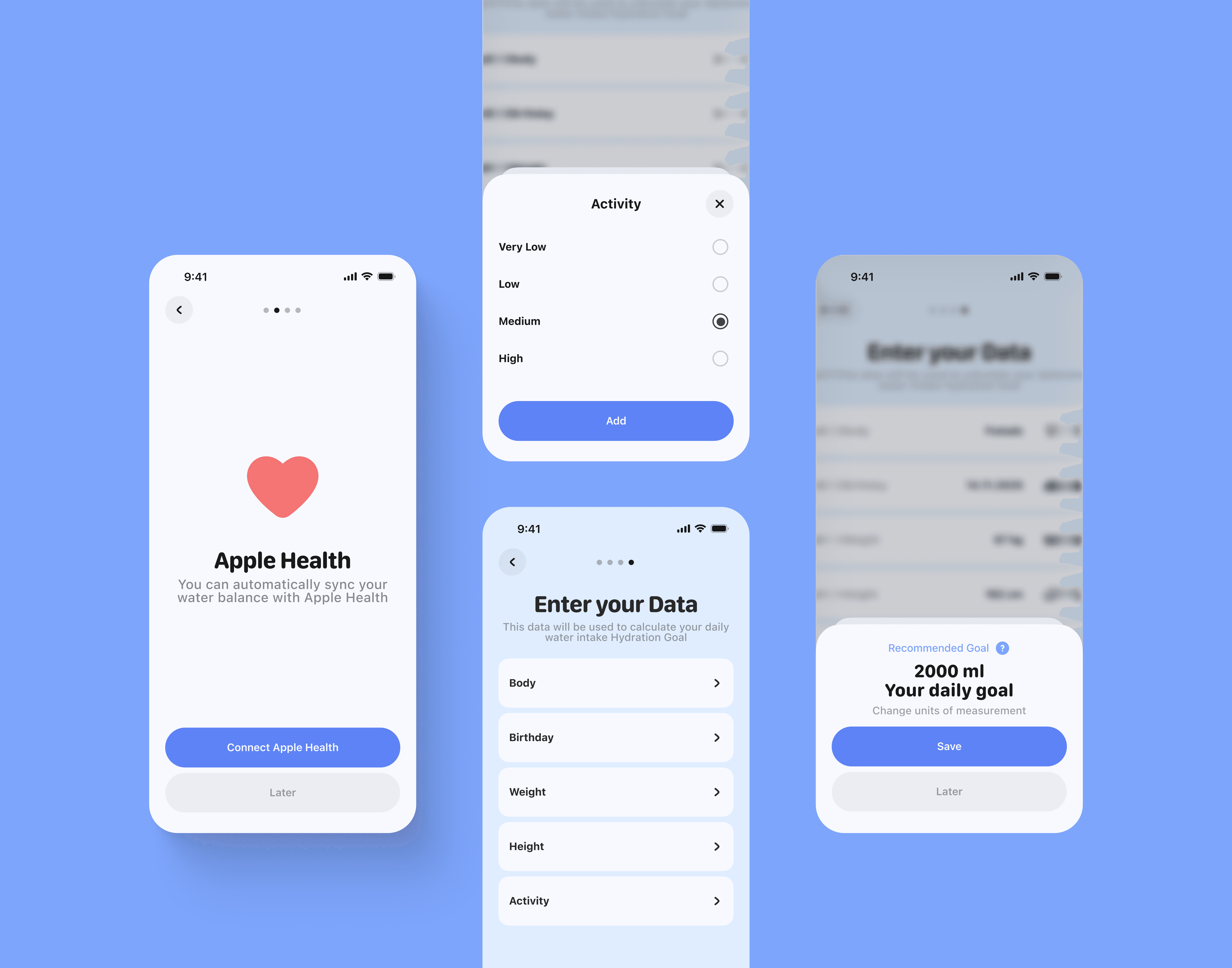
And of course, I couldn’t afford to overwhelm the audience that doesn’t need a subscription. During the research stage, I went through a loooot of products and noticed a pattern: the higher the rating on the market, the more downloads – the more features are available for free-tier users. Taking this as an example, I realized that every user should be able to calculate their personal water intake. Moreover, users can do this already during the app onboarding.
Trendy Liquid Glass & Core Functionality
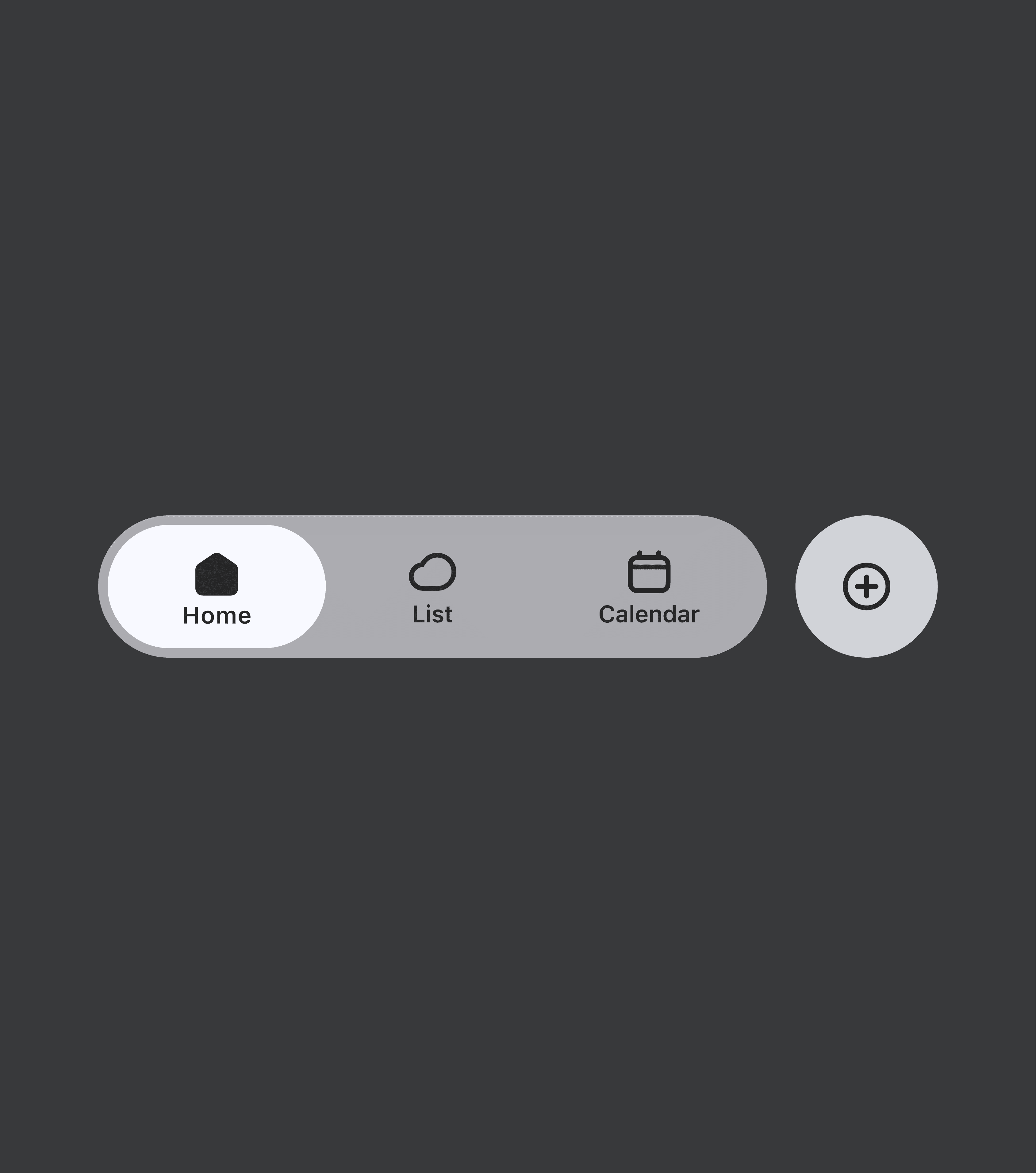
The style is on point with the times, it naturally rolled into these flows / because such a perfect match of water and glass just can’t be illogical. Honestly? – I really enjoyed the process of creating and detailing. The iOS 26 documentation came in super handy and helped me set the foundation and define the app’s character and visual direction.
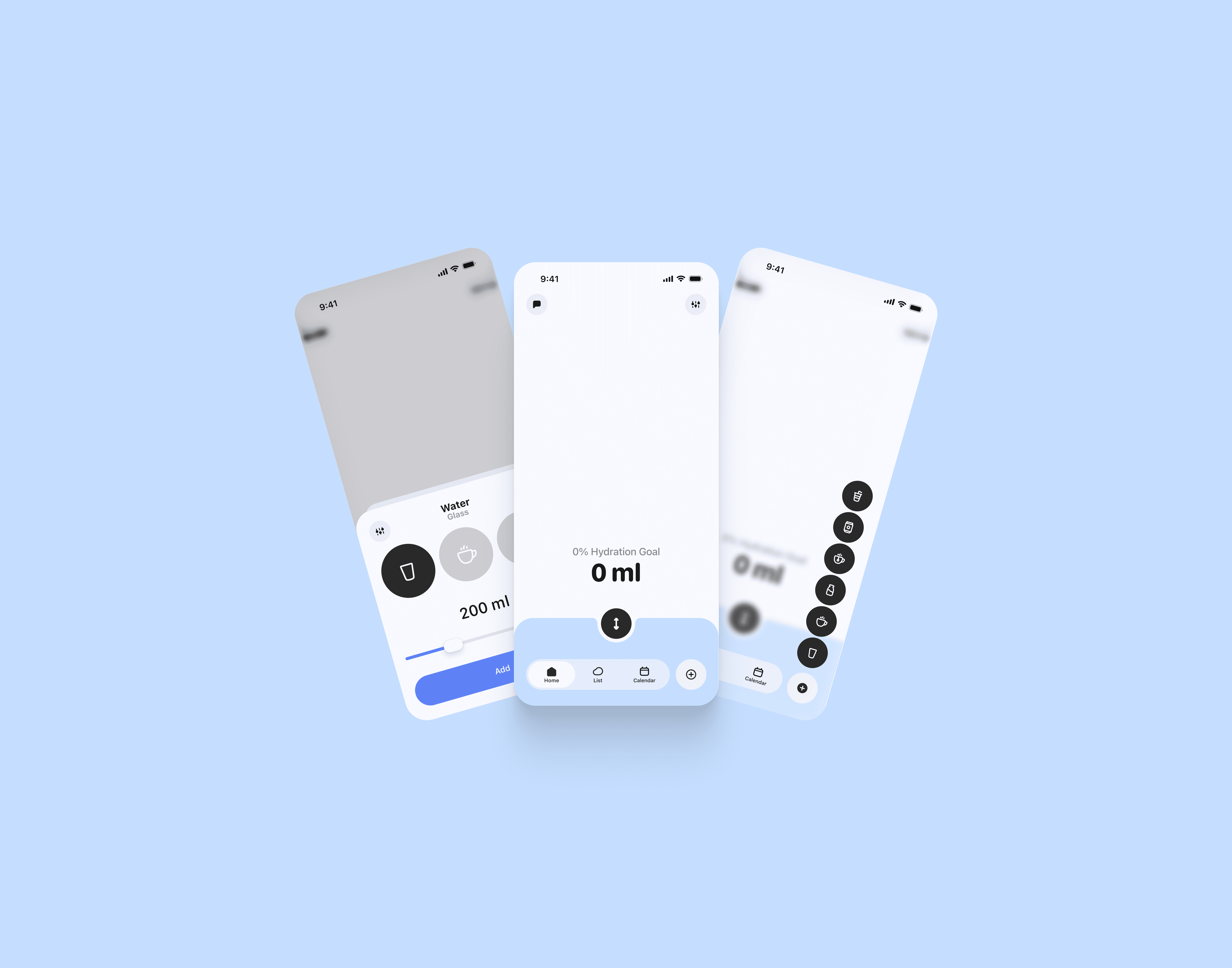
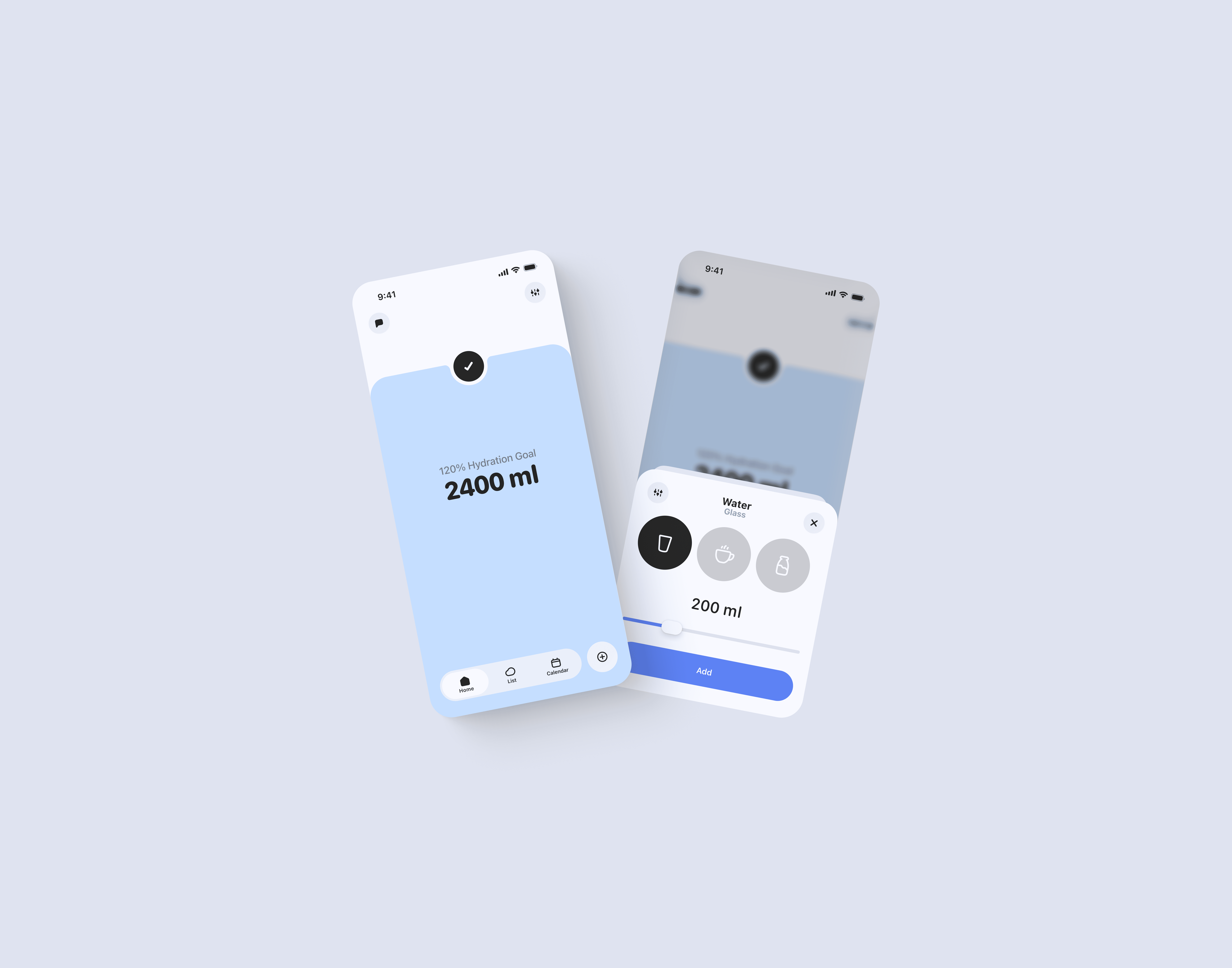
The most important scenario of all is Add Water – obvious / :-) And this process should be interactive and engaging for the user. So – the water level on the screen rises to the maximum mark (personal target) when the user adds water or other drinks; with a paid subscription, there’s the option to drag the slider with arrows up or down to adjust the intake.
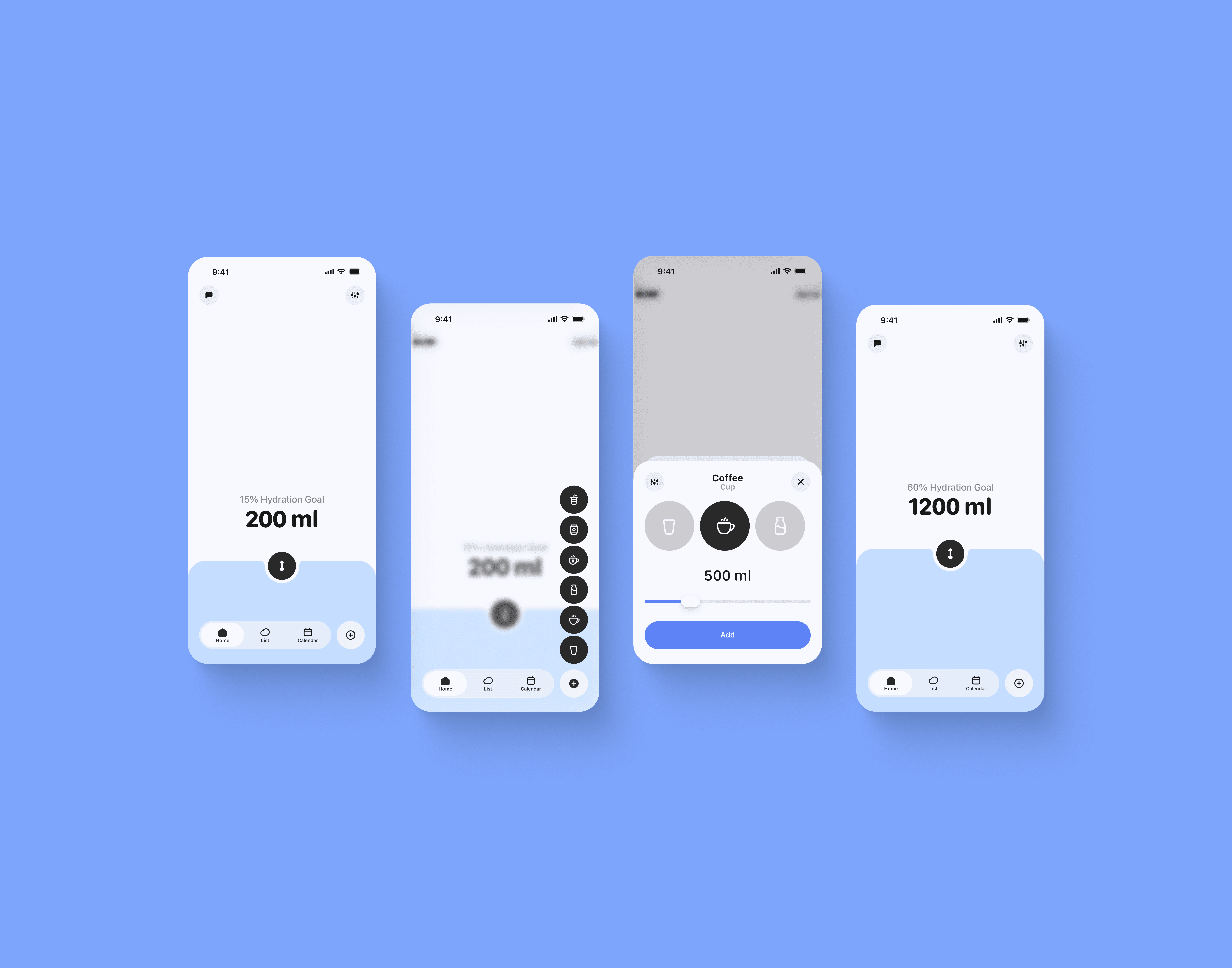
And as soon as the user reaches their target, the arrow on the slider button changes to a checkmark, indicating the personal daily water balance goal has been achieved.
Additional Tracker Features
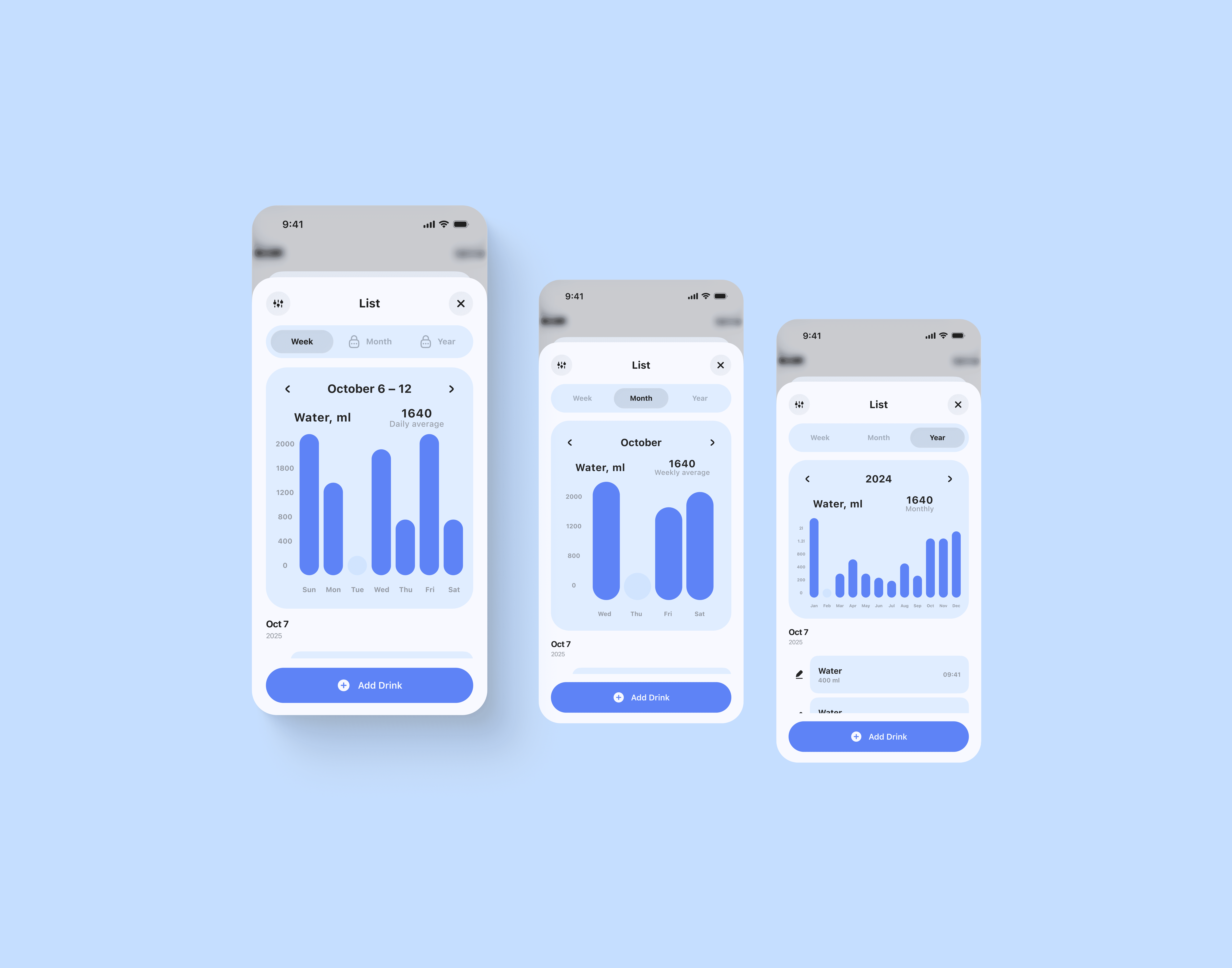
Just ticking off every day isn’t very exciting, even if the interface is visually appealing. After conducting 50+ user interviews (in total) – deep, one-on-one conversations – I realized one very important thing: all people who care – love data, statistics, numbers, and it doesn’t matter what app it is, or even if it’s an app at all. Using this knowledge, I built a stats flow with charts for the days of the week – for free-tier users, and months and years – for premium-tier users. Tell me, isn’t it exciting, if you’ve been tracking – to peek how it was months ago / half a year / a year ago? – OH YES! Besides that, on the same tab, you can see a full list with a specific drink or just water, including amount and time – edit any entry, and even add a drink if it’s already been logged here.

In the calendar, the user can even have a bit of fun, thanks to a small reward system, like in Duolingo, but only if they log their drinks daily. For each day, you can see an approximate intake level and dive into a specific day to explore it in more detail.
Next, across the screens, after so much talk about calculating personal targets, you can finally see how it works in the scenario. All the criteria – such as weight, height, activity level, age, and biological sex – affect this value. Once it’s determined, it becomes much easier for the user, because the question How much should I drink? has an answer. The app provides it! -)


And almost lastly, I want to mention the settings, where the user has the standard set of tracker functions, plus the option to recalculate their daily target, set wake-up and end-of-day times, and choose when to send water reminder notifications (if enabled).
Traditionally, on the Technical Base!
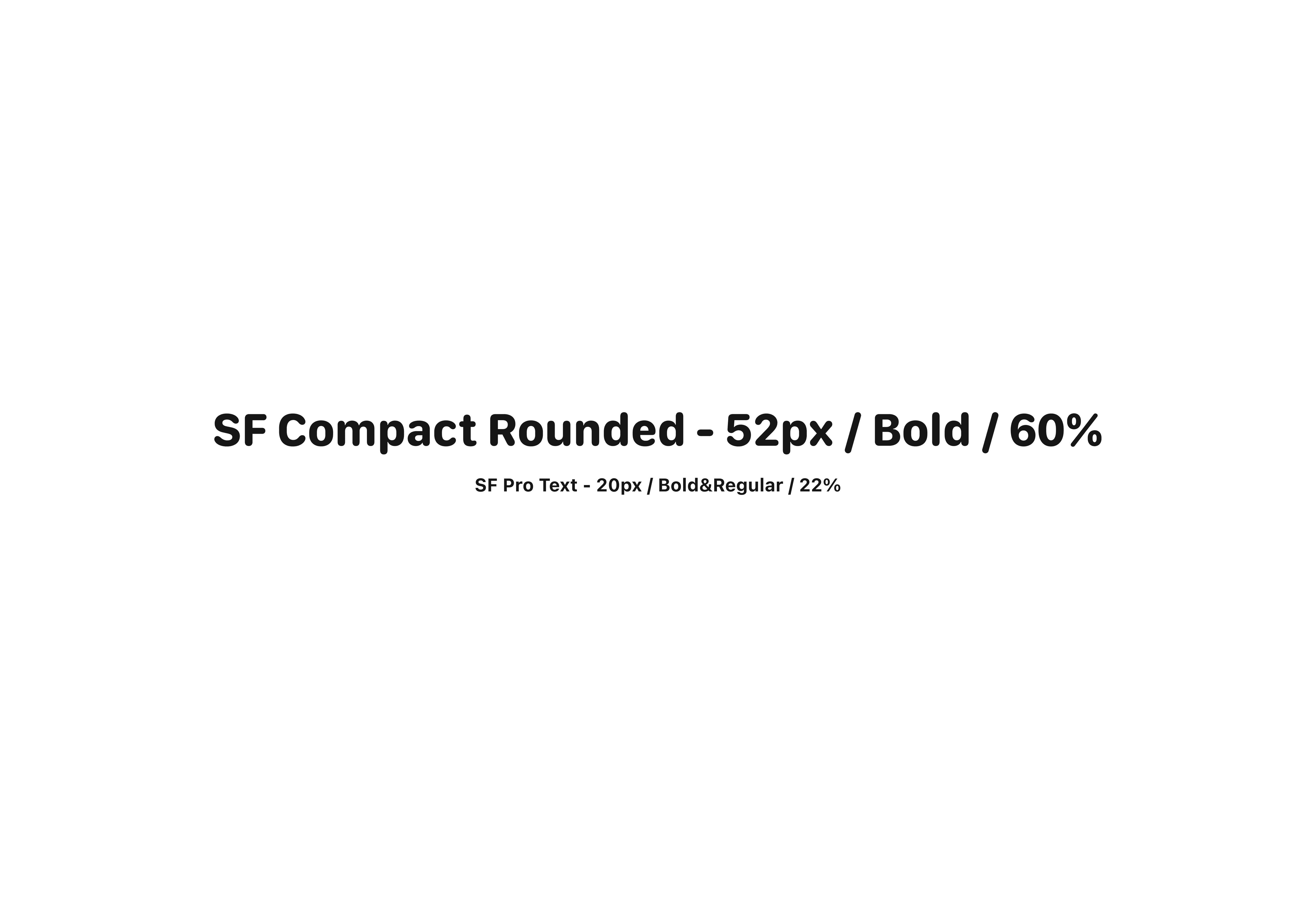
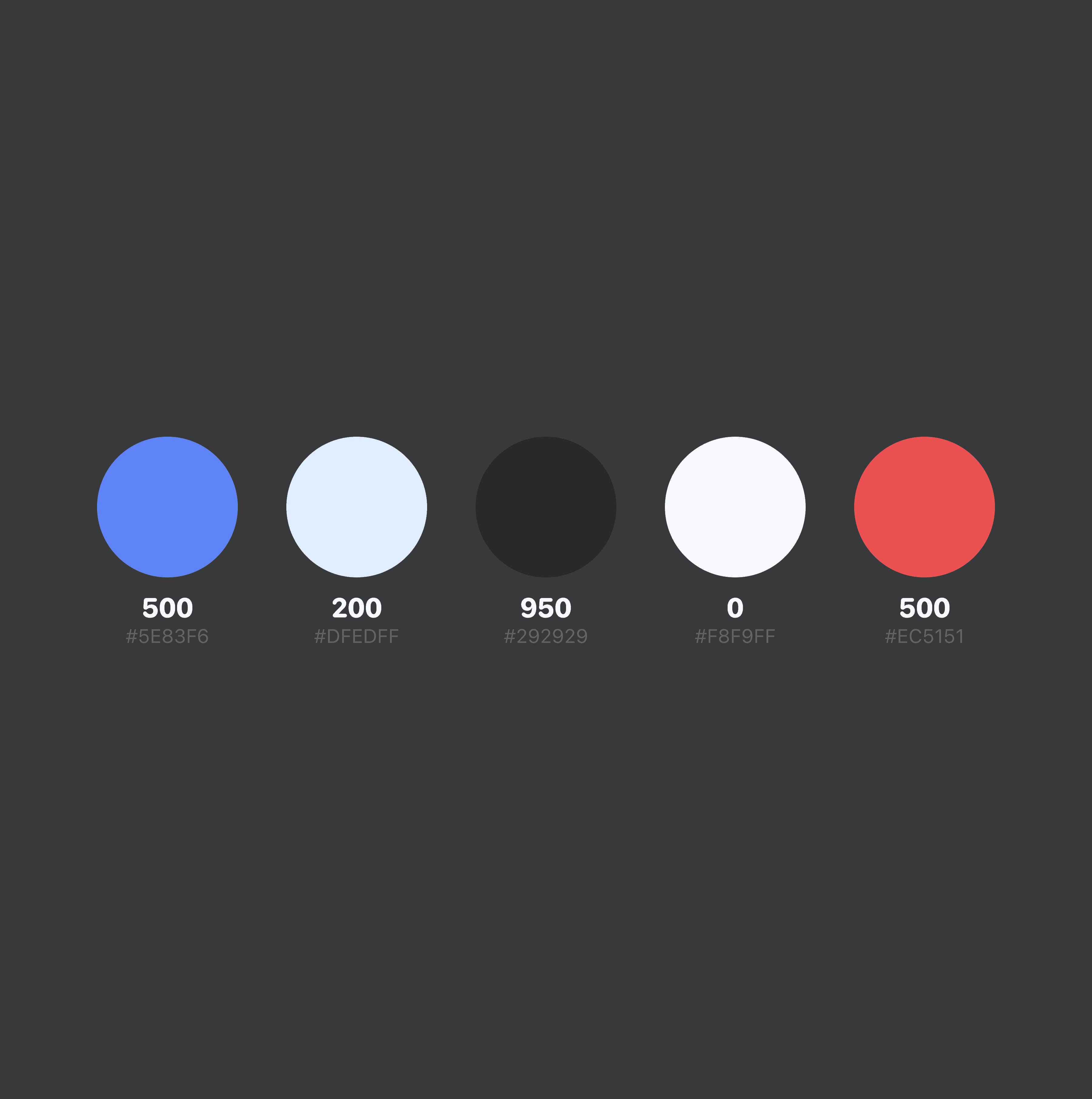
This time, even more Apple-like: San Francisco font, elements of the new iOS 26. But don’t forget the designer’s role: – This project was executed by me with all technical requirements: responsive design, simple and complex components, slots for reuse, detailed scenario flows, clean file.
AAAAND
If I haven’t shared enough to win you over and work together – HIT the button, let’s talk in more detail – I’ll share my experience, tips, thoughts, and I’d be happy to hear about YOU* Drink enough water, folks :)))
And – have a great day, kisses***