Industry
AI & Productivity Tools
What I did
Product Designer
SLICE of your thoughts – on your phone

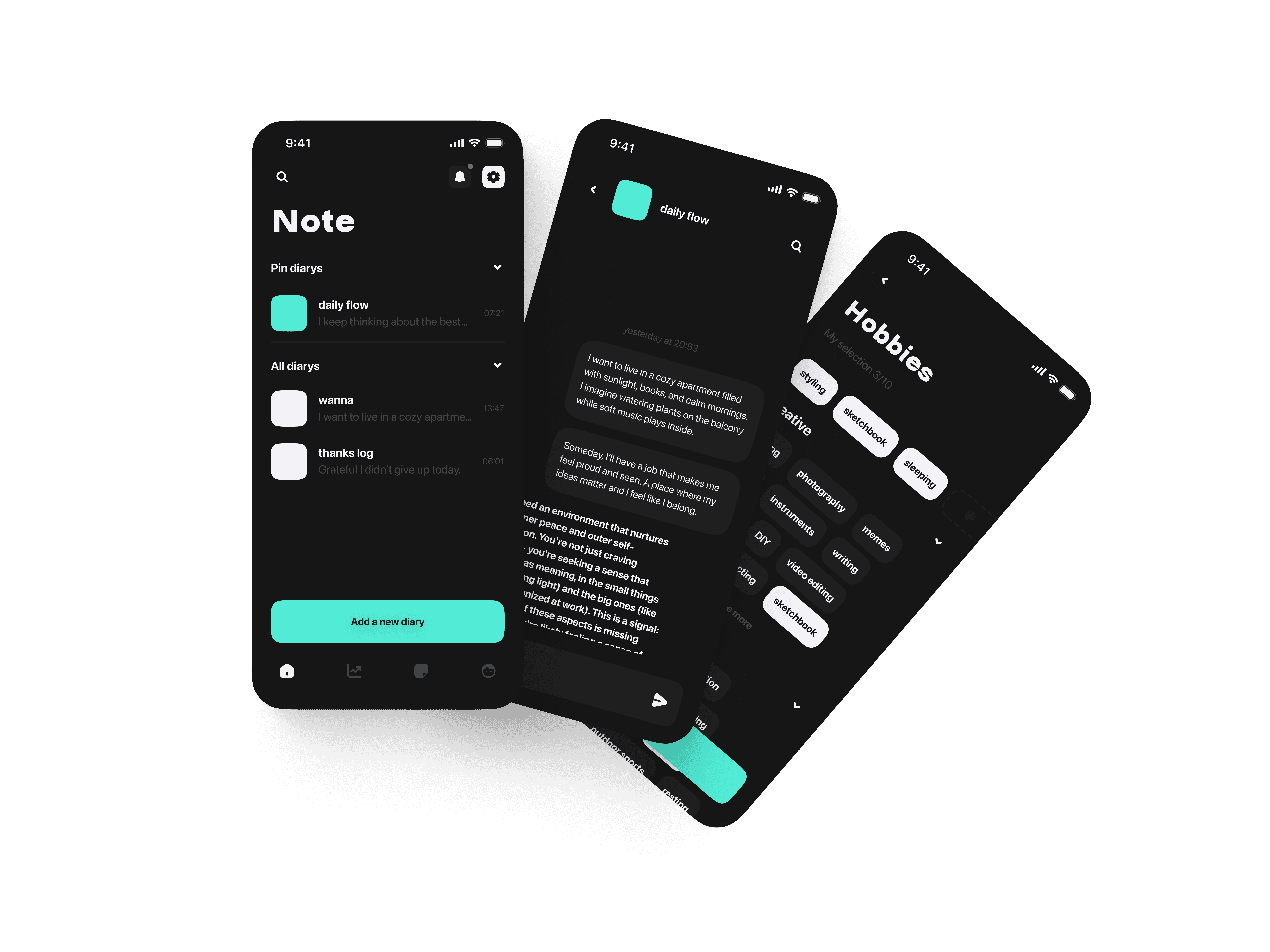
Soooo, what app did I make?
It’s a journal app with AI — but not like ChatGPT that replies to everything. Here, you’re a human who wants to understand yourself, learn more about your thoughts, feel what’s going on inside, and REFLECT. You can write in a chat format — and get a response only when you actually want to. Isn’t it nice to finally let go of perfectionism, write down everything you think, and build your own system out of it? Most people I talked to during interviews were impressed. But more on that later --)D
Research & Insights
I started working on this app with deep research — collecting data about competitors, creating moodboards (more than once, trust me), shaping and reshaping the idea, imagining possible user scenarios, testing hypotheses, and trying to define the MAIN problem and goal of my product. I conducted over 10 user interviews — with people who already keep journals (text or digital), those who don’t at all, and even some who just send messages to themselves — which is pretty close to the flow I’m building. These were complete strangers I found through social media, and I’ve seriously LEVELED UP my soft skills ;D during this stage.
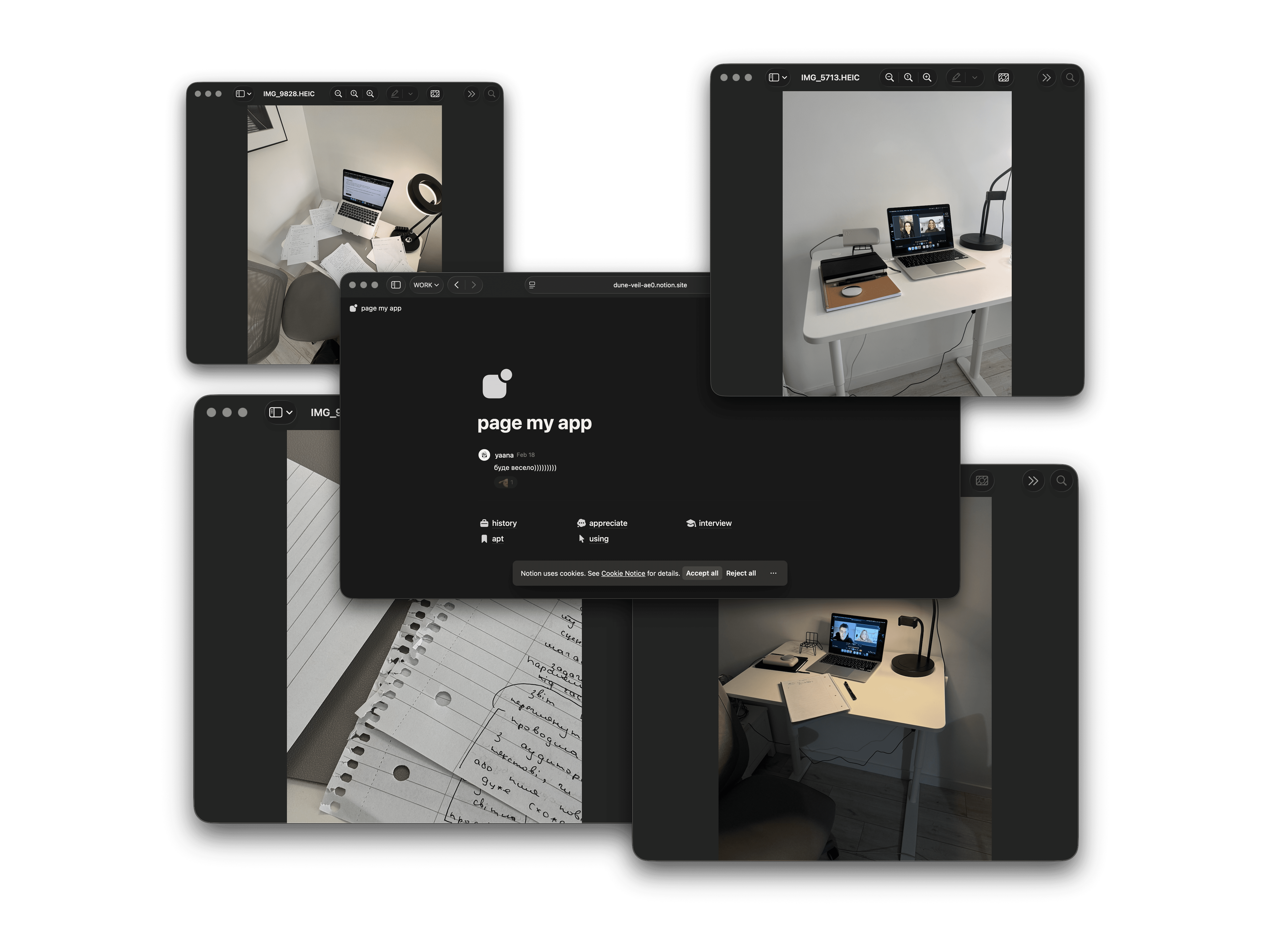
At the same time, I kept my own kind of journal/report (in Notion) — and you can CHECK it out via the button below. People love scrolling through social media — some do it passively, others more actively, posting to their channels. But almost everyone feels it steals time from themselves and gives nothing back, except a quick dopamine hit. What I offer is not about quitting it — but about seeing this model from a different angle: self-exploration. And of course, after gathering all this info, it became MUCH easier to move on to the next step — building the architecture.
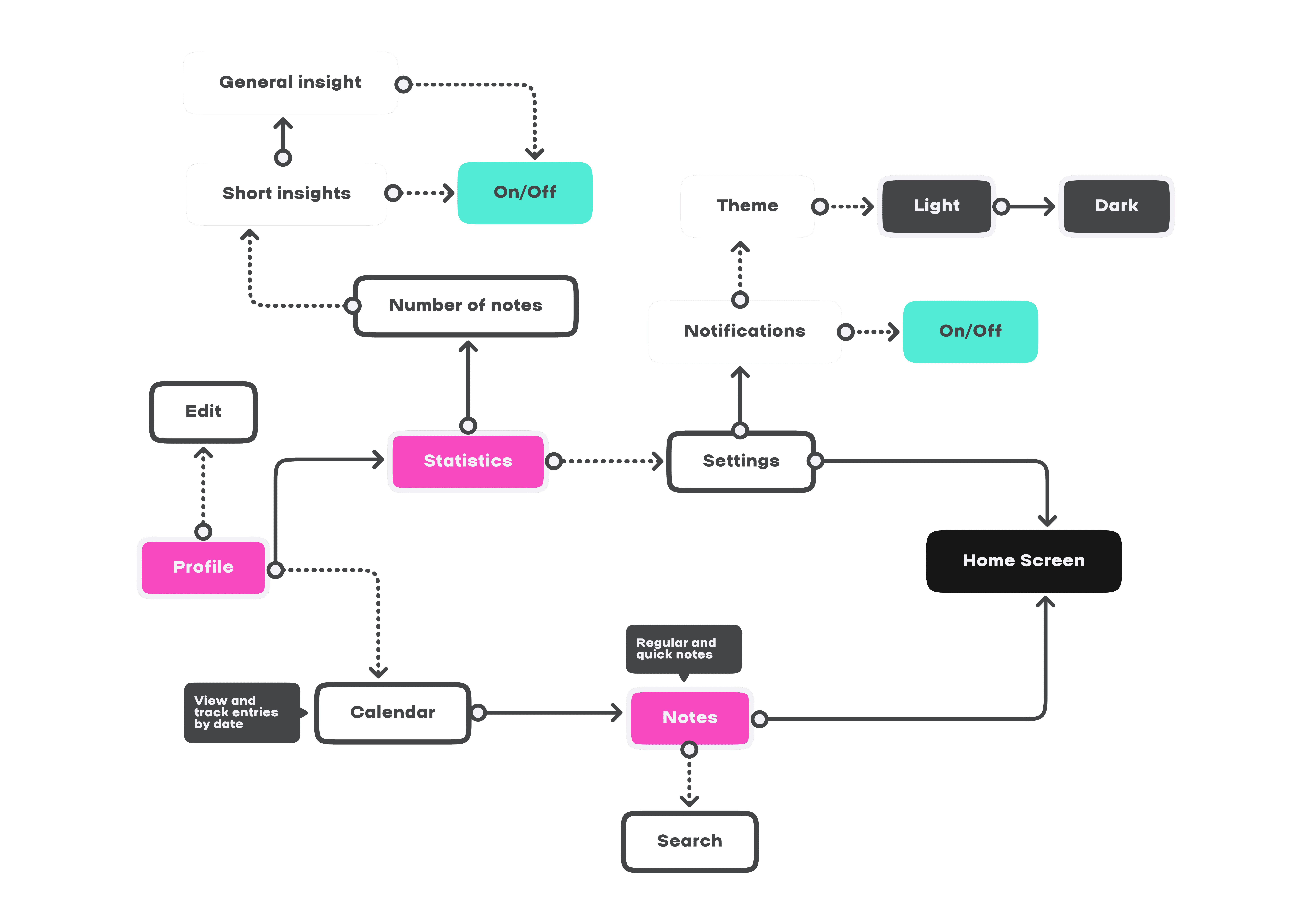
User FLOW
At this stage, I outlined the main user paths — to help MYSELF build the product further with a clear focus on the flows users would interact with most often. Now that the project is finished, I can confidently say this step helped me A LOT — it kept me from getting lost along the way.
Wireframes

I created these in several stages (iterations). You probably wouldn’t want to see all of them :))) SO, here I’m showing the latest ones — the ones that helped me detail the structure and start noticing what kind of character this product was beginning to take on, based on everything I’d learned.
Visual & Style
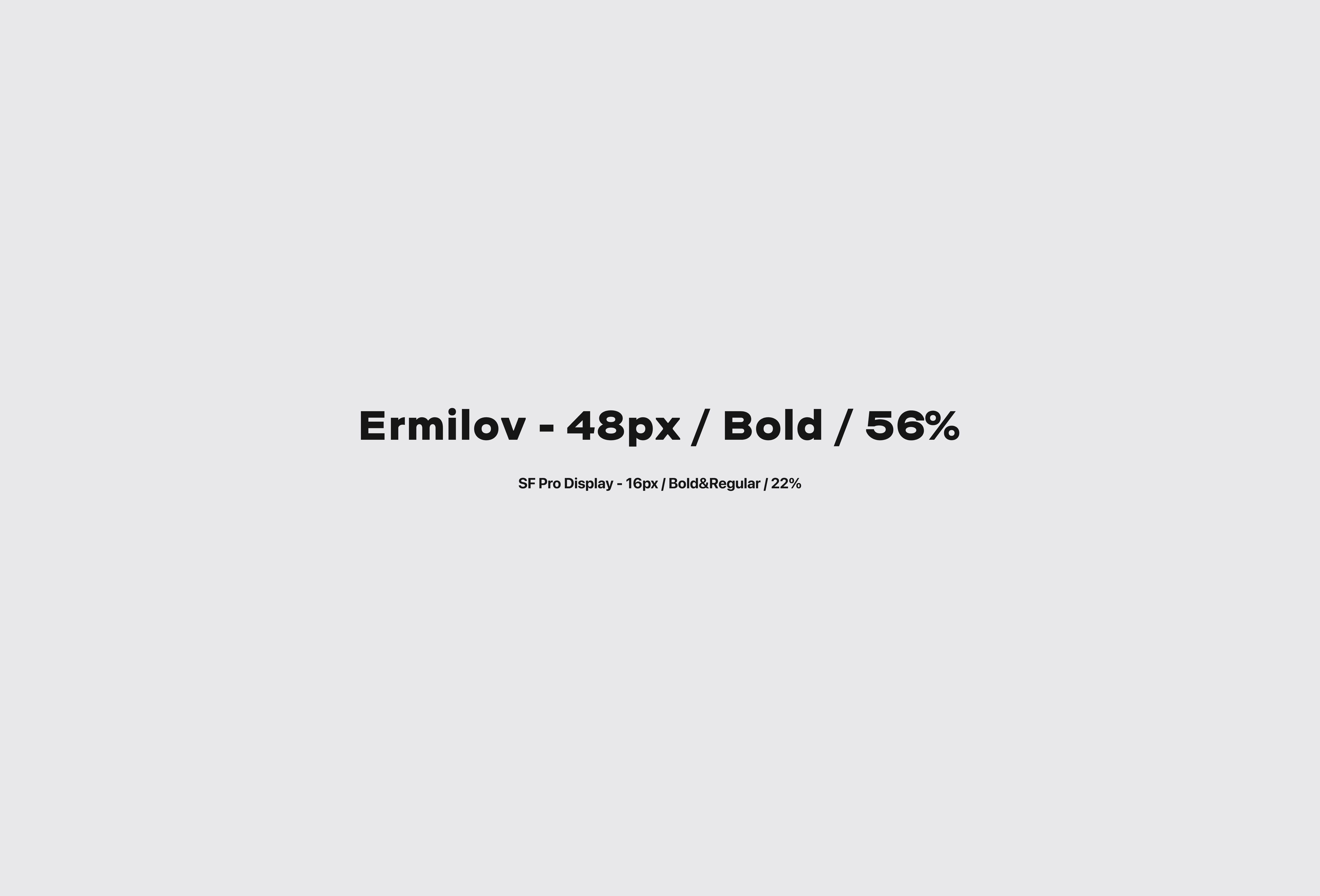
To be honest, I shaped the whole visual direction intuitively — gathering the best bits from existing products, adding my own vision, and building something truly unique. I wanted the design to feel light, airy, spacious — giving every user a moment to enjoy being with themselves. Simple shapes. Bold type. Soft depth and roundness. Apple’s San Francisco font. Generous spacing. That’s exactly how I saw this product — SLICE.

Scenarios / Experience Flow
At the core are the simplest, easy-to-understand scenarios — the ones we set up from the very beginning / The whole point of SLICE goes beyond the app itself / it helps users change themselves and their lives for the better / shaping it even through their own entries /

How does the process of leaving notes actually work? Well, JUST like that — notes are messages / journals are chats.

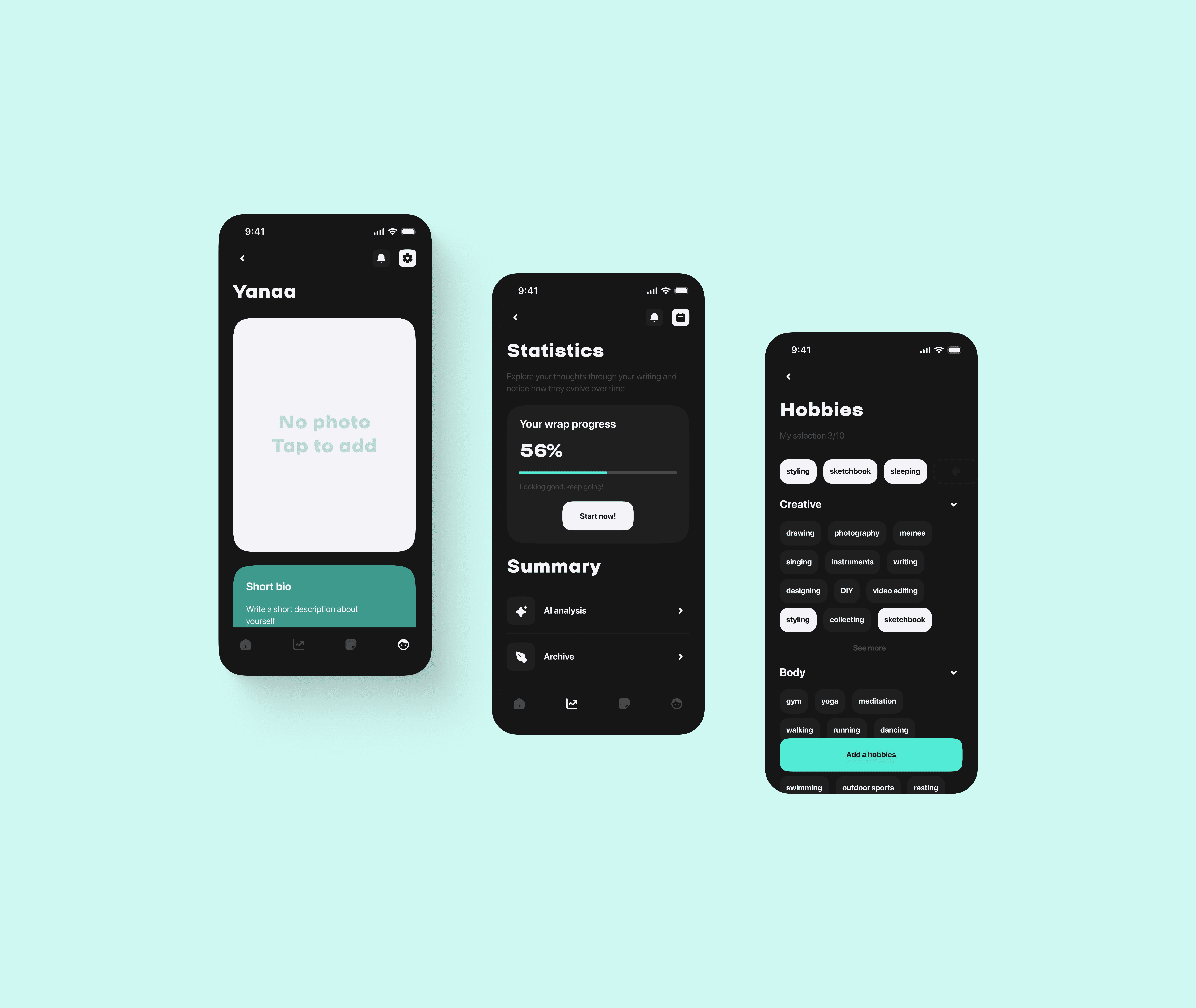
In Stats, besides the monthly WRAPS (which you’ll find out about in the next block :D) — there’s something to do every day; by writing down your deep analysis process, you can get insights with the exact details you need right now.

And the fact that all notes can be searched not only through the general search, but also by specific dates in the calendar — where you can actually see the marks on the days you made your entries.
Features & Personalization
SO, what about the main features of the app; WHY SLICE, and not something else? in NONE of the hundreds of diary apps I downloaded — I didn’t feel that lightness of being in the app (the feeling comes from the tiny details) / I can write like in a chat and the info doesn’t disappear / based on everything written, it’s easier to understand yourself and move on / AI gives exactly what you want from it — CLARITY, ACCURACY, CONCRETE FACTS & ACTIONS that humans by nature JUST CAN’T KEEP ALL IN THEIR HEADS /
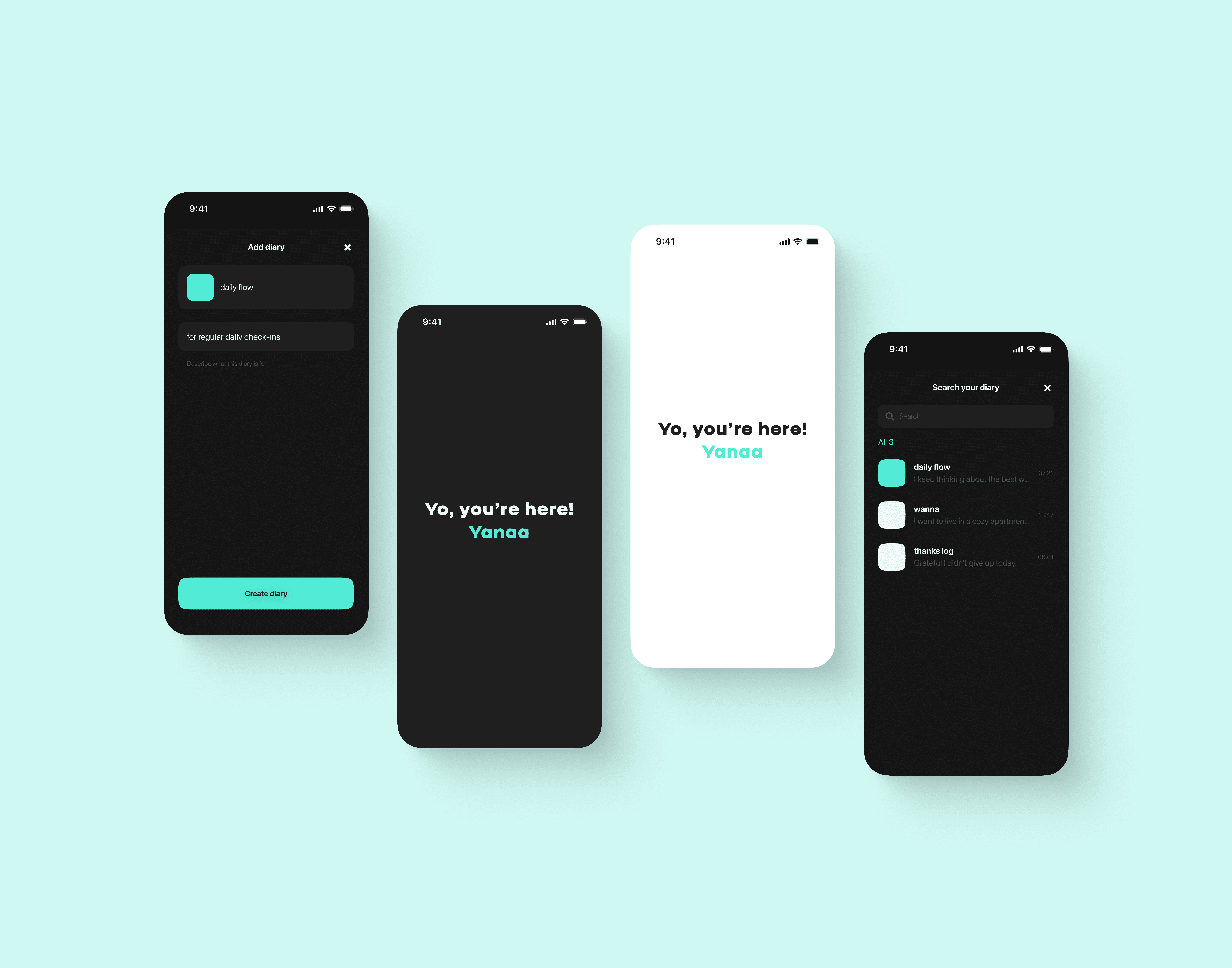
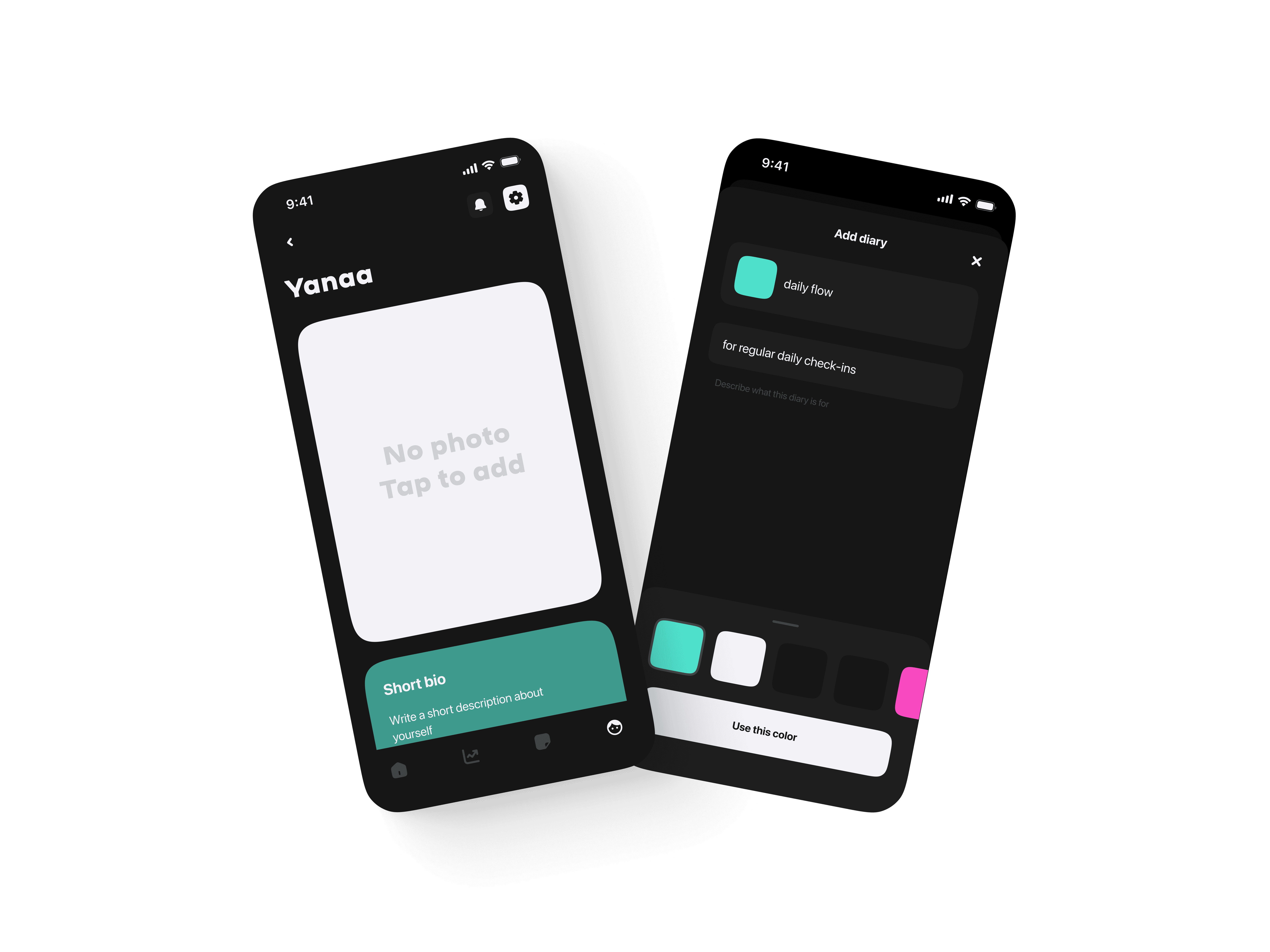
Each user can choose a theme they use all the time (dark / light), a separate profile setup flow, where the user can give more info about themselves — so AI provides the maximum quality of insights / User can fully customize the app for themselves, fill in info about specific life areas right in the Profile — like those questionnaires we all used to fill out as kids :)-) And also — creating your own journals, with custom covers, titles, and a clear purpose for each one.
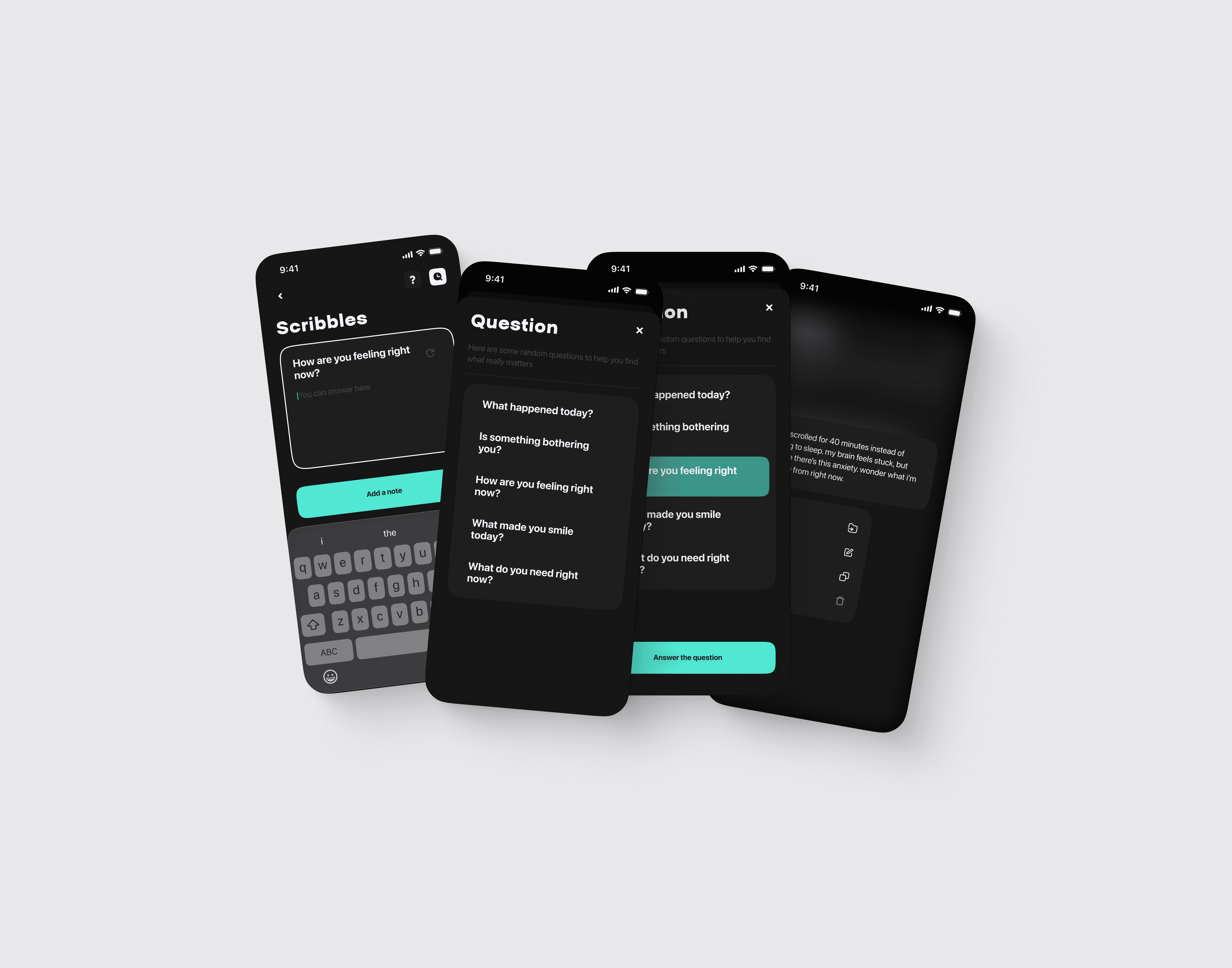
A simple little flow that lets you drop notes outside your journals — and still keeps them safe in the cloud for a whole month; any day, you can bring them back into your existing journals or even create a new one for them^

And one of the main features I came up with through discussions with different designers — is SOMETHING that keeps the user inside the app not only when they want to write something, but gives them REAL VALUE / AI-generated INSIGHTS that come MONTHLY if the user keeps journaling — and their format is WRAPS, like on Spotify or Apple Music / ONLY HERE — it’s stats of your entries, moods, everything that’s in your head or on your heart /
Tech Base!
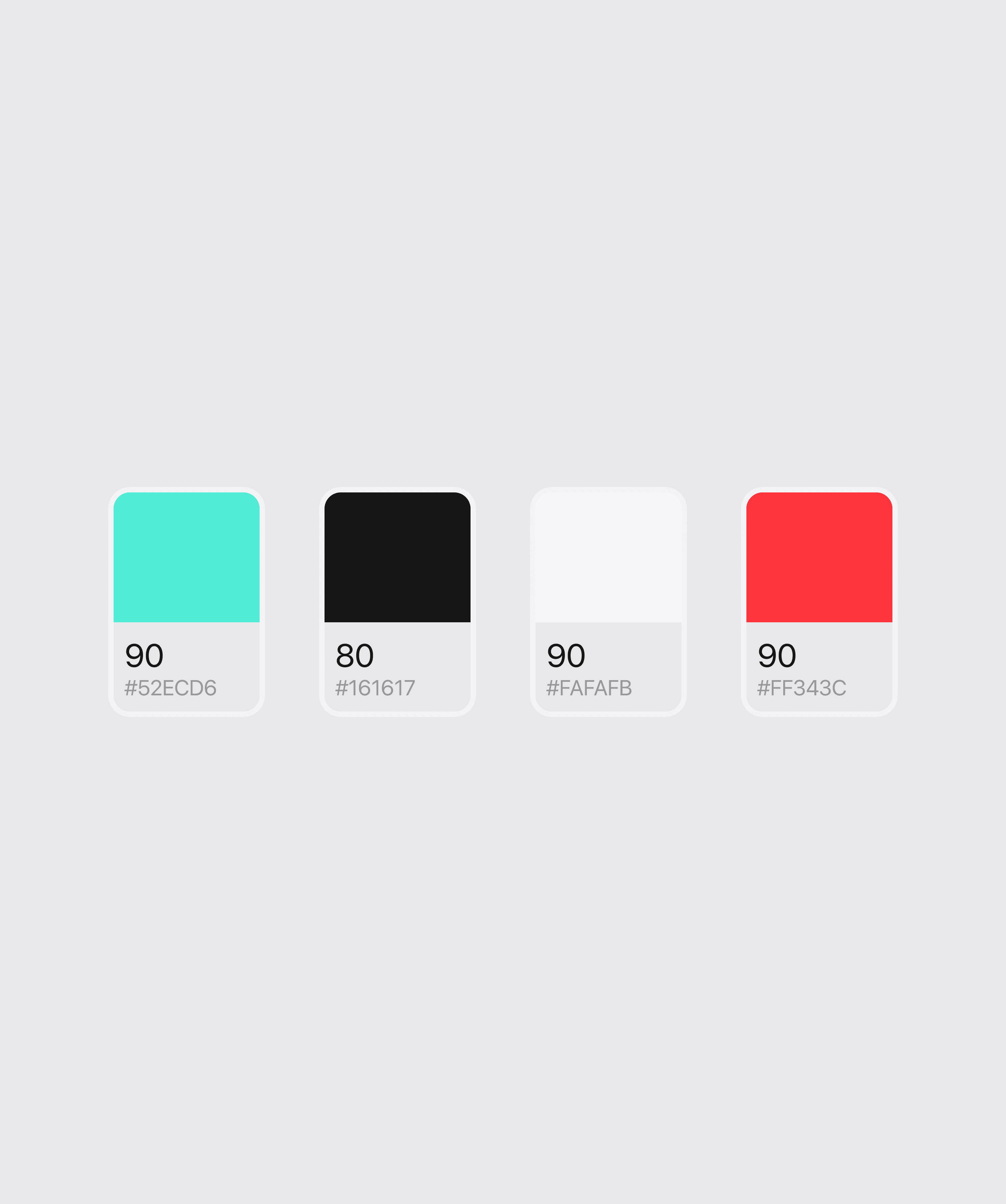
So — this is an AI journal in chat form, where I, as a good designer, made a UI KIT with components for all of this / Design adaptability is handled via auto-layouts, I connected a base of MAIN and SEMANTIC colors in variables, and fully documented everything with comments for handoff to devs / EVERYTHING is ready to roll /// :--)

And FINALY**
This whole app was built step by step — tons of research, user interviews, user flows, wireframes, prototypes, 4 UI iterations — ALL the journey I went through, and the IDEA went through, to end up on this page aand If you want to chat more in detail about this, or anything else — my thinking and approachesPRESSS below)))
kisses** just for YOU